


How to fix “The booking resources do not match this calendar”
Error message:
The booking resources do not match this calendar. Please reload the page and try again.
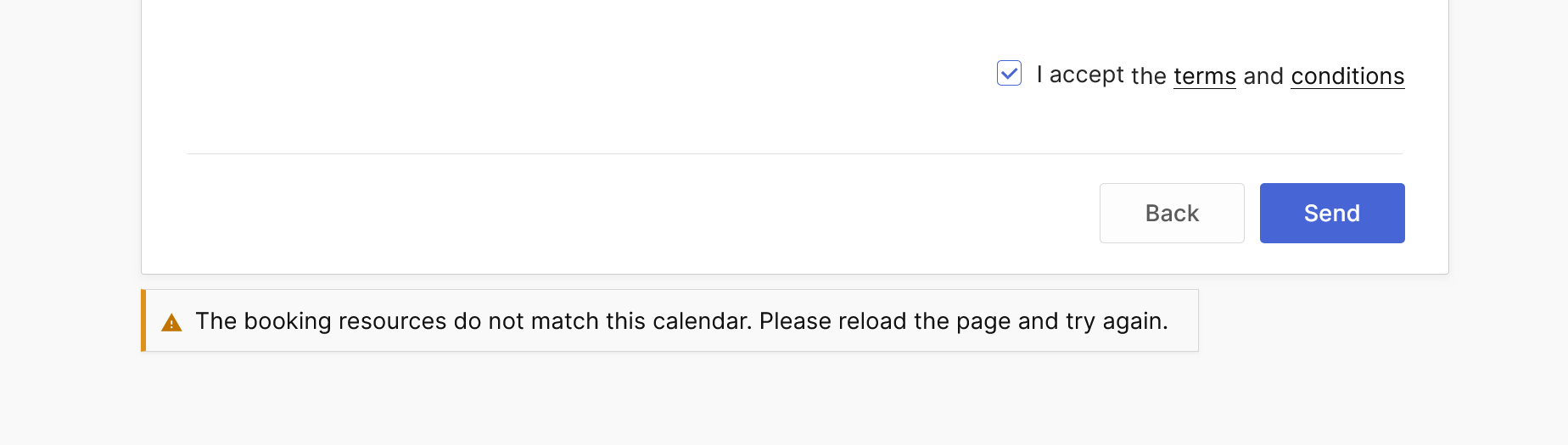
Why this message appears
Booking Calendar displays this warning when the Booking Resources submitted by the form do not match the resources used to display the calendar. This is usually caused by an incorrect aggregate parameter or outdated cached page data.
No booking is created when this validation fails. This is not an indication that the selected dates are unavailable.
Check the Booking Calendar shortcode
The primary Booking Resource defined in resource_id must not be repeated in aggregate.
Incorrect:
[booking resource_id=60 aggregate='60']
Correct when no additional resources are required:
[booking resource_id=60]
Correct when resources 61 and 62 are additional resources:
[booking resource_id=60 aggregate='61;62']
The aggregate parameter must contain only additional Booking Resource IDs. Remove duplicate IDs, but do not remove legitimate aggregate resources because this would change the calendar’s availability rules.
Clear all caches
- Save or update the WordPress page.
- Clear your WordPress caching and optimization plugins.
- Clear the hosting/server and CDN caches.
- Reload the page using Ctrl+F5 on Windows or Command+Shift+R on macOS.
- Test the booking while logged out in a private browser window.
If the problem continues
Open the Booking Calendar block or shortcode again and confirm the selected Booking Resource and Booking Form. Temporarily disable JavaScript delay, combination, or minification and test the form on a new empty WordPress page.
If the warning continues with a valid configuration and the latest Booking Calendar version, please contact support and provide:
- The affected page URL.
- The complete Booking Calendar shortcode.
- Your Booking Calendar and Booking Calendar Pro versions.
- The active caching or optimization services.
- The HTTP status and response shown for the failed request in the browser Network panel.
Please do not send customer information, passwords, cookies, nonces, signed form values, or complete submitted form data.