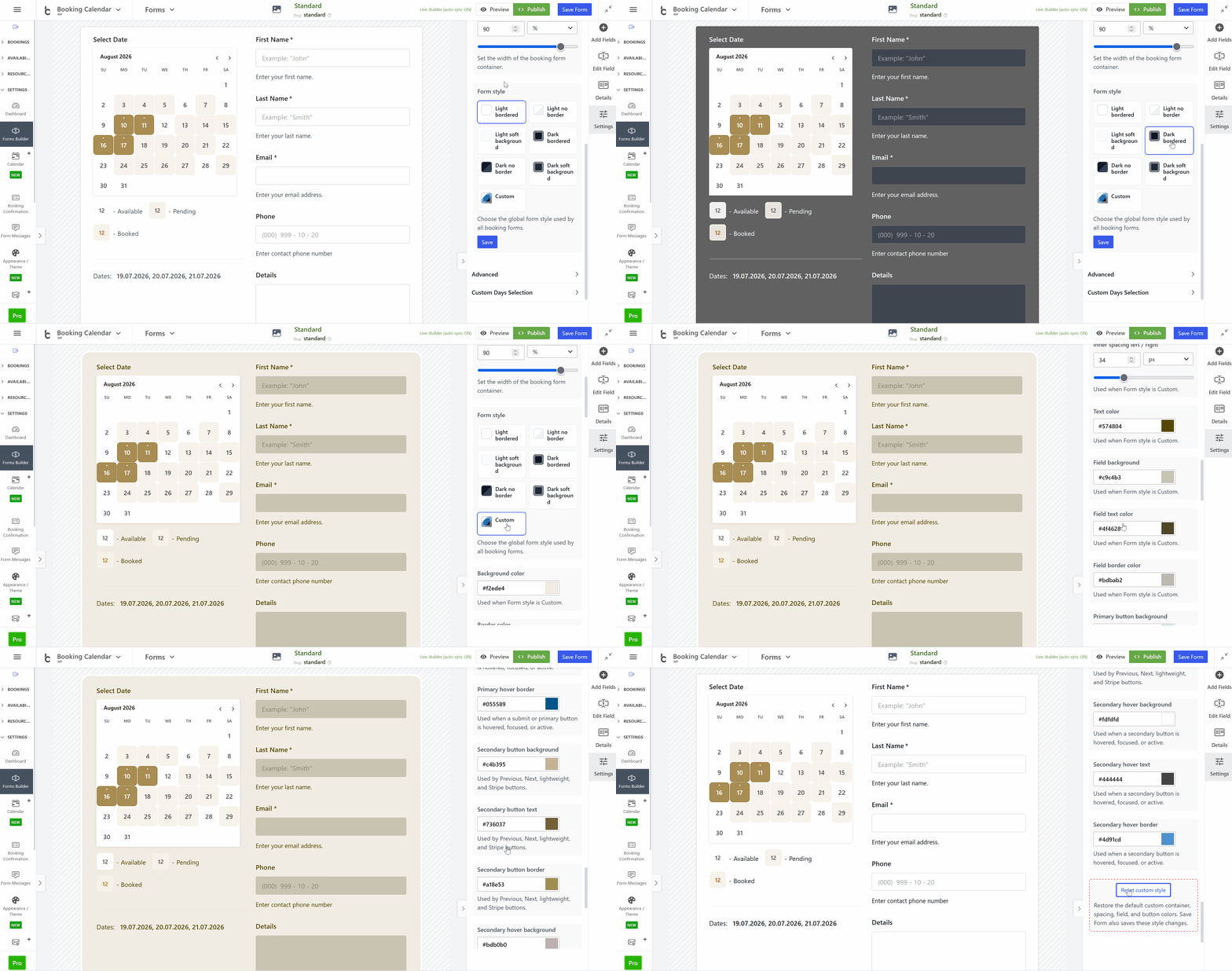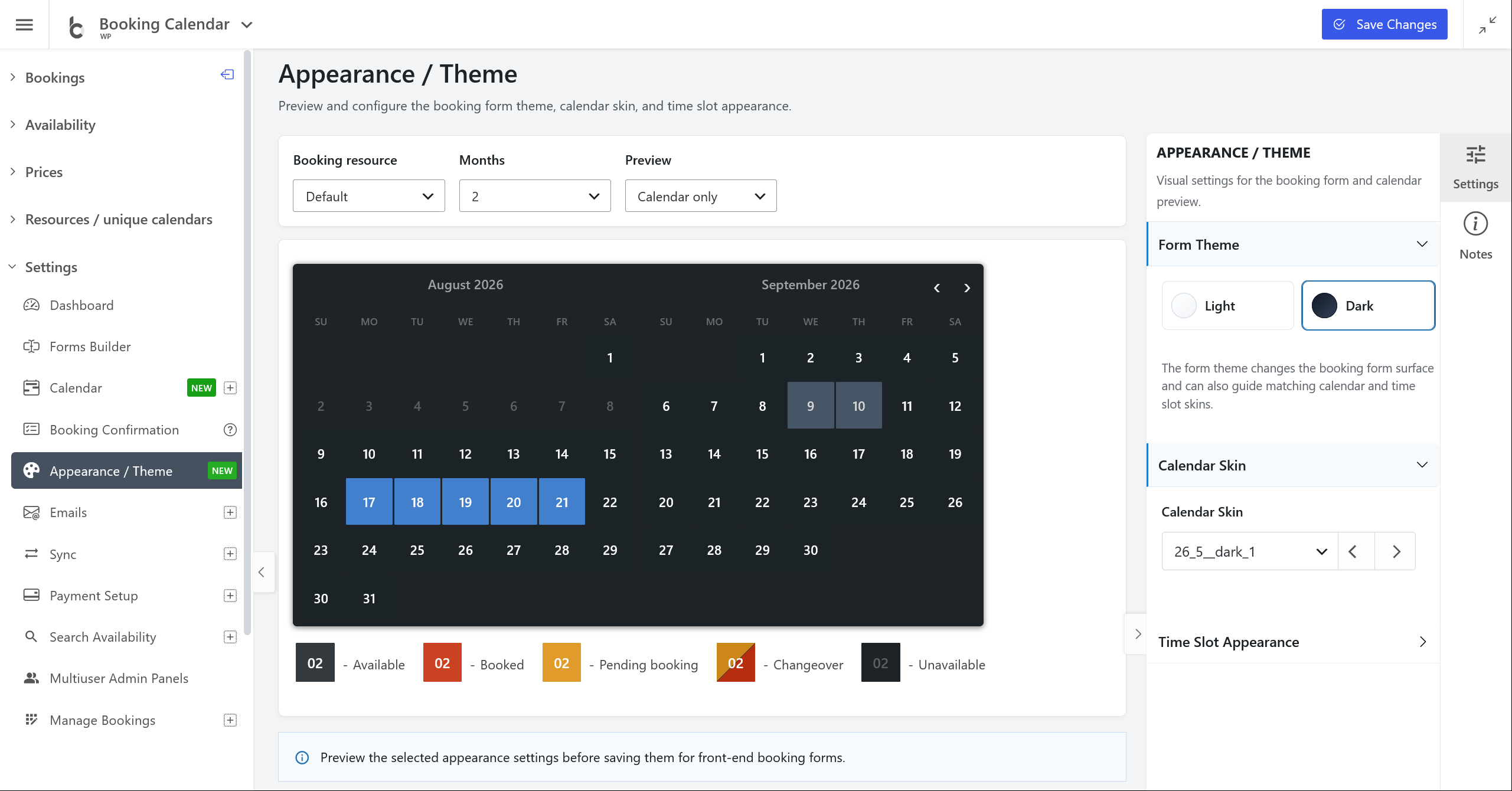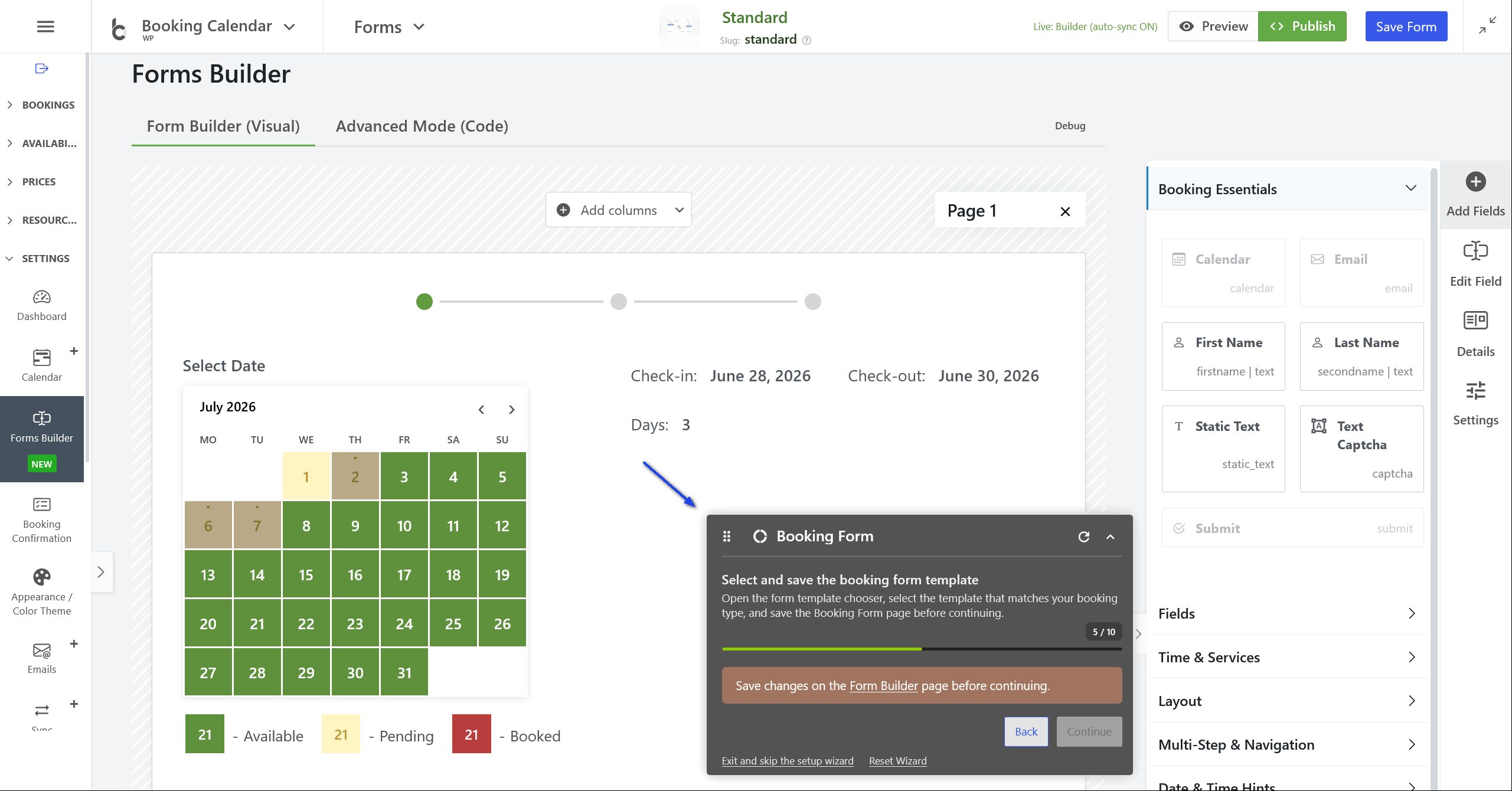
What’s New in Booking Calendar Update 11.1 ?

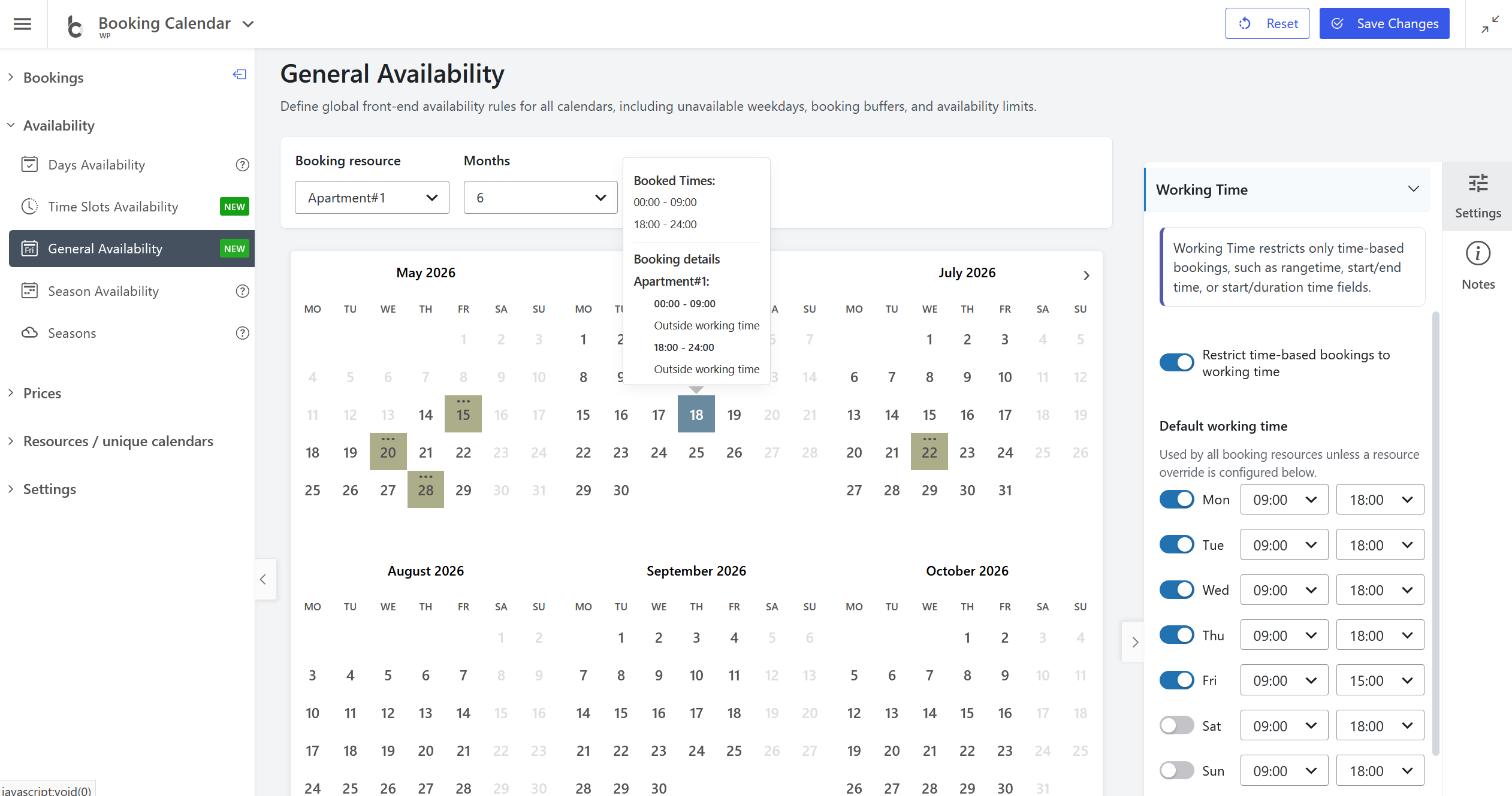
  • Added Working Time settings to Booking Calendar > Availability > General Availability, allowing administrators to restrict time-based bookings to specific working hours.
  • Flexible schedule control: Define default working hours for each weekday, then optionally set custom working time rules for specific booking resources.
  • Added the ability to create a new booking directly from a selected interval in the Time Slots Availability interface. The Add Booking popup now shows the selected start/end time fields and includes a toggle to use or ignore the selected timeline interval for the new booking.

Continue reading

What’s New in Booking Calendar Update 11.0 ?

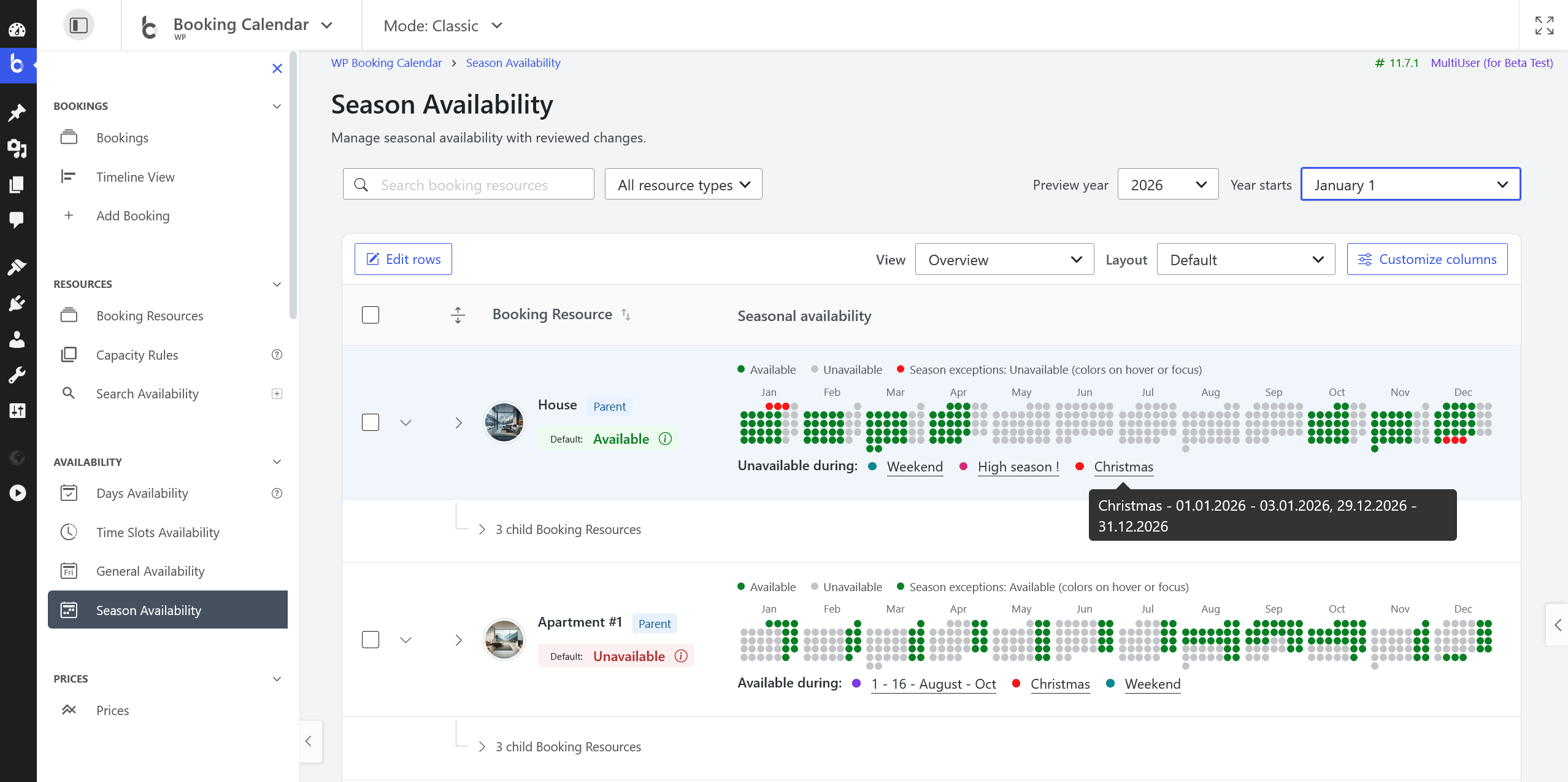
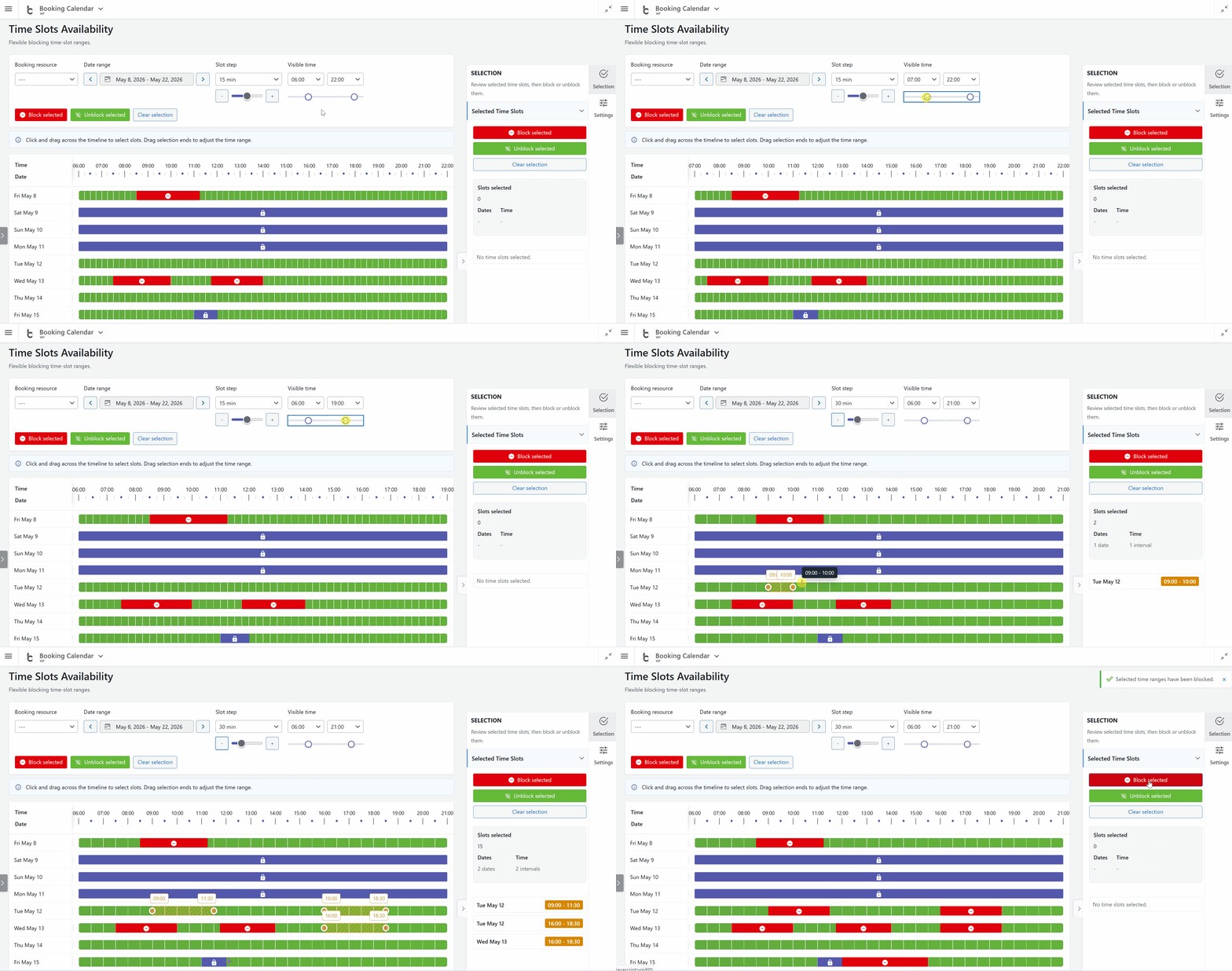
  • Manage unavailable time intervals visually from Booking Calendar > Availability or directly from the bookings workflow using the new **Time Slots Availability** popup.
  • Administrators can choose a date range and block or unblock exact time intervals in an interactive timeline. The timeline clearly shows available times, booked times, unavailable time slots, and full-day unavailable states, making it much easier to understand real availability at a glance.
  • Administrators can also create a new booking directly from an available time interval. Simply select an available time slot in the popup, open the booking form with the selected resource, date, start time, and end time already prefilled, and save it as a new booking.
  • This makes Booking Calendar especially useful for appointment scheduling, service bookings, consultations, rentals, and any workflow where administrators need to quickly review availability and create bookings from the WordPress admin panel.

Continue reading

What’s New in Booking Calendar Update 10.15 ?

Now you can create booking forms visually, without manually editing complex shortcodes or form code. Simply drag fields from the sidebar, drop them onto the canvas, arrange them into rows and columns, and build the form exactly the way you need. Continue reading

What’s New in Booking Calendar Update 10.14 ?

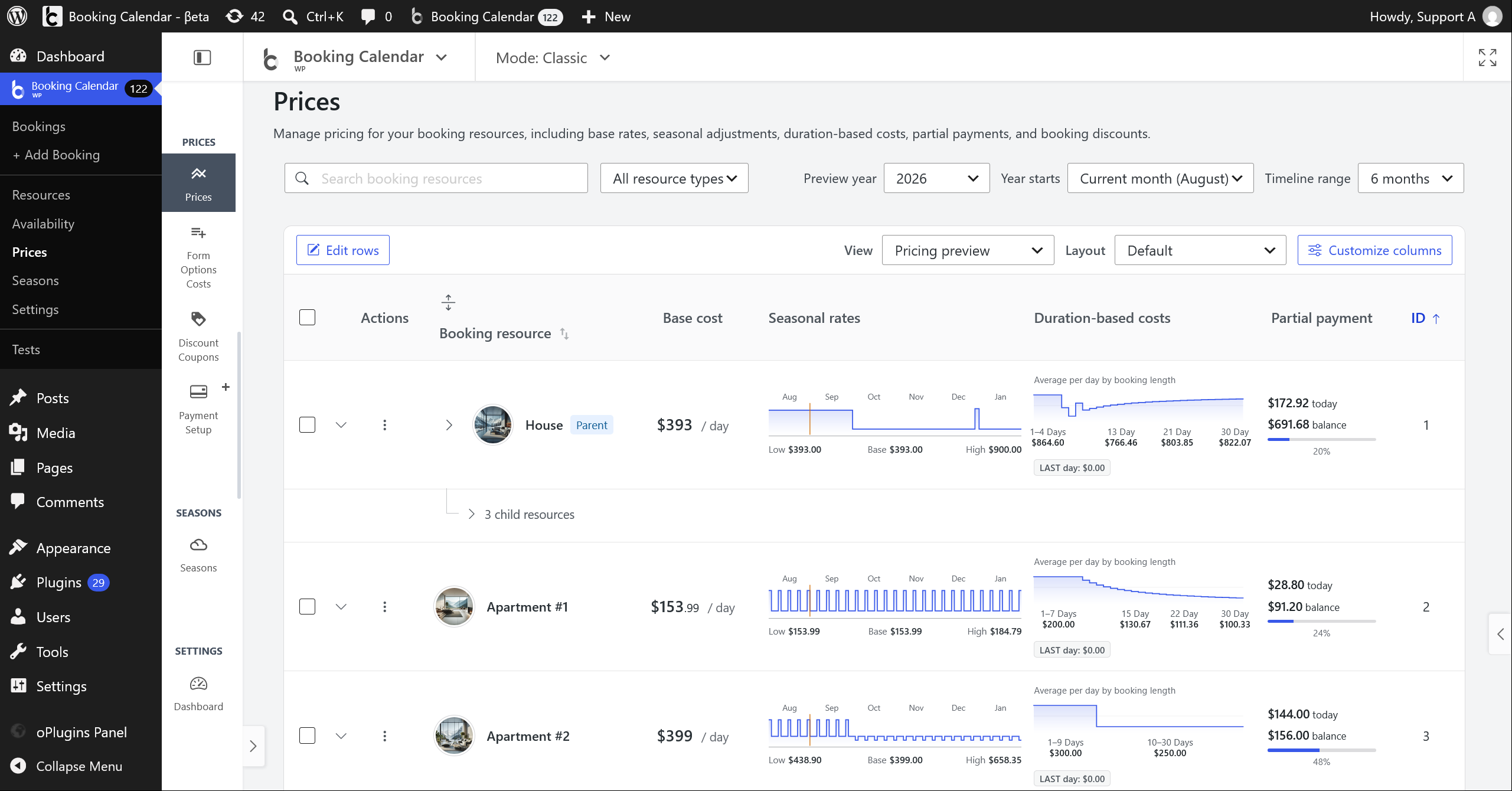
  • Control start and end dates for booking and availability
  • Allow users to submit bookings for past dates.
  • Elementor native supports
  • Option to enable the new Smart Phone Validation
  • ..and many of other improvements and refinements!

Continue reading

What’s New in Booking Calendar Update 10.13 ?

  • Full Elementor Support!
  • Calendar Preloader.
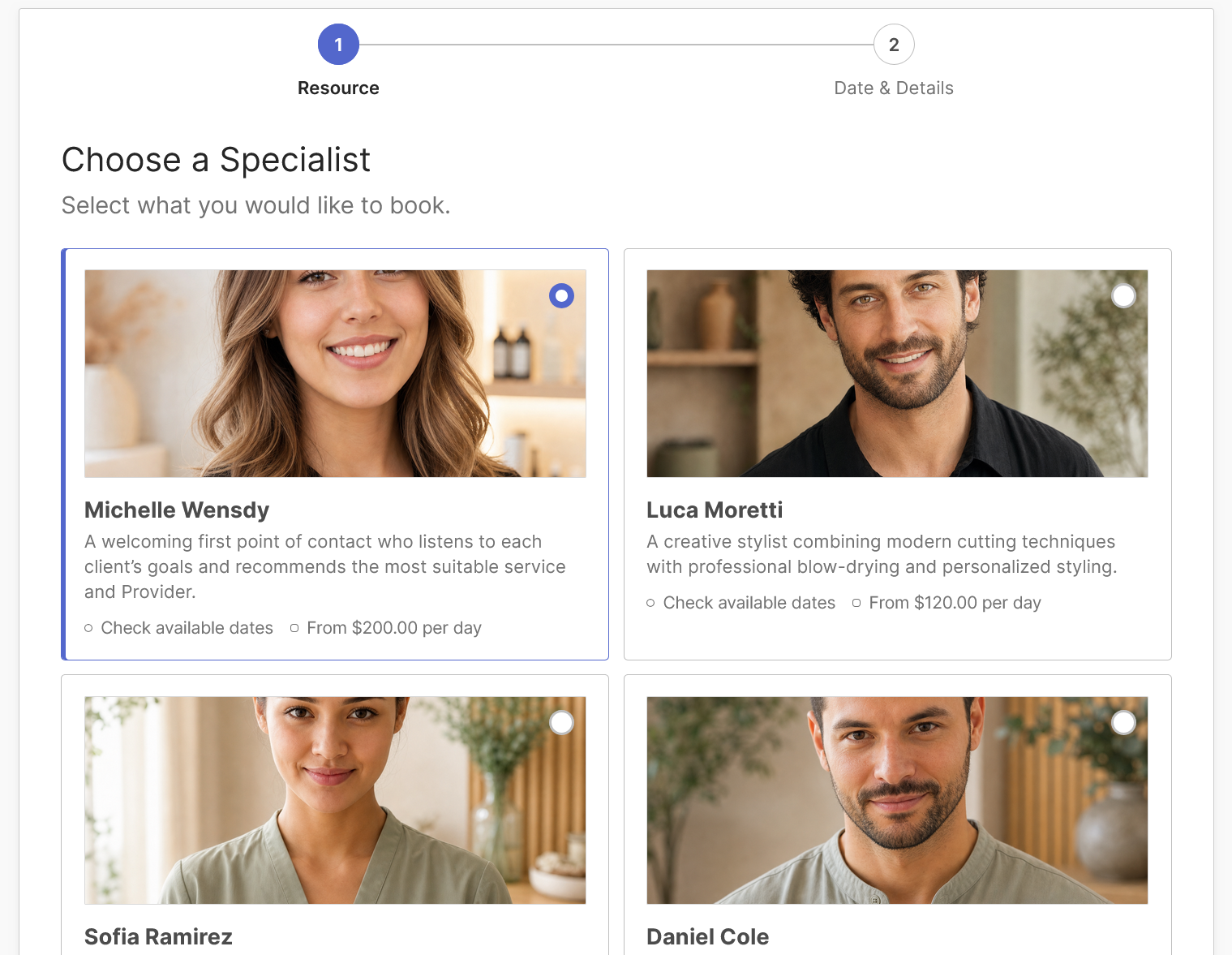
  • New Booking Form Template – Service Selection Wizard (Pro)
  • Updated Sidebar Navigation
  • Visual Polish & UX Tweaks
  • Auto-Detect & Format Phone Fields
  • ..and hundreds of other small improvements and refinements!

Continue reading

What’s New in Booking Calendar Update 10.12 ?

  • New Skin & Improved Pro Vesions Structure
  • Improved Plugin Structure: All Pro versions now require the Free version for better auto-updates and streamlined add-on management.
  • New Green Calendar Skin: to enhance your calendar appearance.
  • ..and hundreds of other small improvements and refinements!

Continue reading

What’s New in Booking Calendar Update 10.11 ?

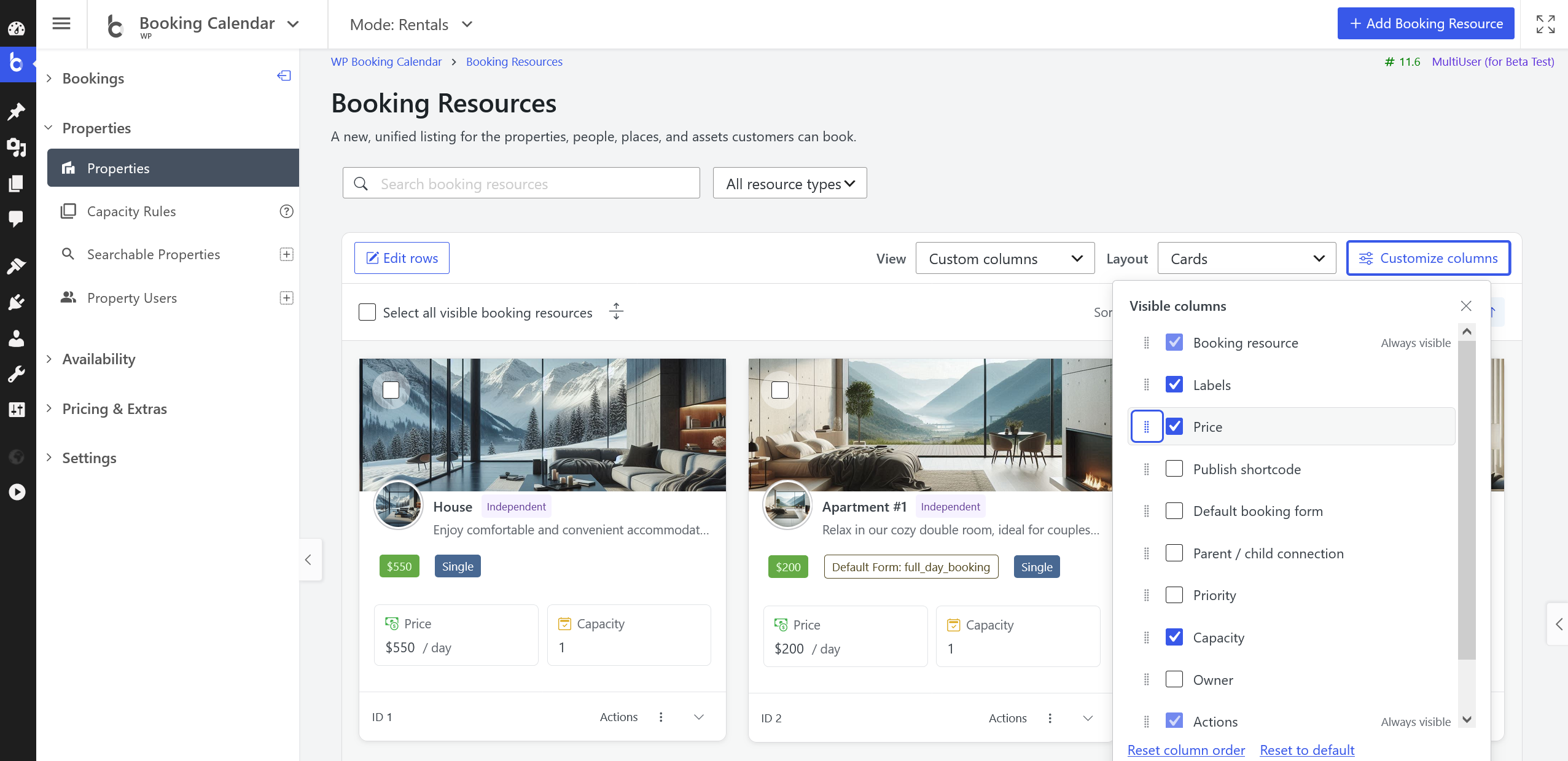
  • Brand New Admin Panel Experience! Fresh New Logo, Full-Screen Mode, Universal Left Sidebar Menu, Fixed Top Bar
  • Redesigned Booking Listing Page. Modern UI, Smarter Date View, Expandable Details, Dropdown Actions, Improved Bulk Actions, Enhanced Pagination
  • Timeline View: Refreshed layout and better booking resource selection in paid versions.
  • ..and hundreds of other small improvements and refinements!

Continue reading

What’s New in Booking Calendar Update 10.10 ?

  • New Form Template: - "Appointments Based on Service Duration"
  • Flexible Form Option configuration for Titles and Values
  • New: Steps Timeline Progress Indicator
  • Enhanced Availability & Time Management
  • New: Calendar Color Themes

Continue reading

What’s New in Booking Calendar Update 10.9 ?

  • New: Redsys Payment Gateway Support!
  • New: Set Unavailable Time Intervals!
  • Additional Improvements in Free and Pro versions

Continue reading

What’s New in Booking Calendar Update 10.8 ?

New Multi-Step Wizard for Booking Forms with several columns (Free Version)!

  • Now you can set up your booking form as a multi-step wizard in the Booking Calendar Free version.
  • You can now set the number of columns in your booking form in the Booking Calendar Free version.
  • Additional Improvements in Free and Pro versions

Continue reading